بطريقة ما ، وبشكل غير متوقع بالنسبة لي ، تبين أن توصيل تطبيق nodejs بواجهة برمجة تطبيقات تقويم Google كان مهمة غير تافهة إلى حد ما. على الرغم من الوصف التفصيلي لخيارات الاتصال باللغة الروسية ، كان علي أن أخوض في غابة الإعدادات والتكوينات المختلفة. توضح المقالة بالتفصيل الخطوات التي يجب اتخاذها لنجاح التكامل.
الهدف من التكامل هو تمكين تطبيق nodejs من نشر الأحداث إلى تقويم معين. في هذا المثال ، استخدمنا حساب Google شخصيًا عاديًا.
أنشئ تقويمًا
أولاً ، تحتاج إلى إنشاء تقويم سننشر فيه الأحداث. انتقل إلى تقويم Google وانقر على الزر " + " بجوار " تقاويم أخرى " ، ثم حدد " إنشاء تقويم ":

املأ النموذج وانقر على " إنشاء تقويم " مرة أخرى ، ولكن بالزر الأزرق:

تعمل Google على تحريك أدمغتها لفترة طويلة ، وبعد ذلك تعلن بسعادة أن التقويم الجديد جاهز. الوصول إلى إعدادات التقويم الجديدة:

" ":

- " "
c093hr4fqjuj5k9e6uvvac73ac@group.calendar.google.comnodejs- API.
" API".
- " ":


- "Habr Demo":
API Google':

Google 3 , :
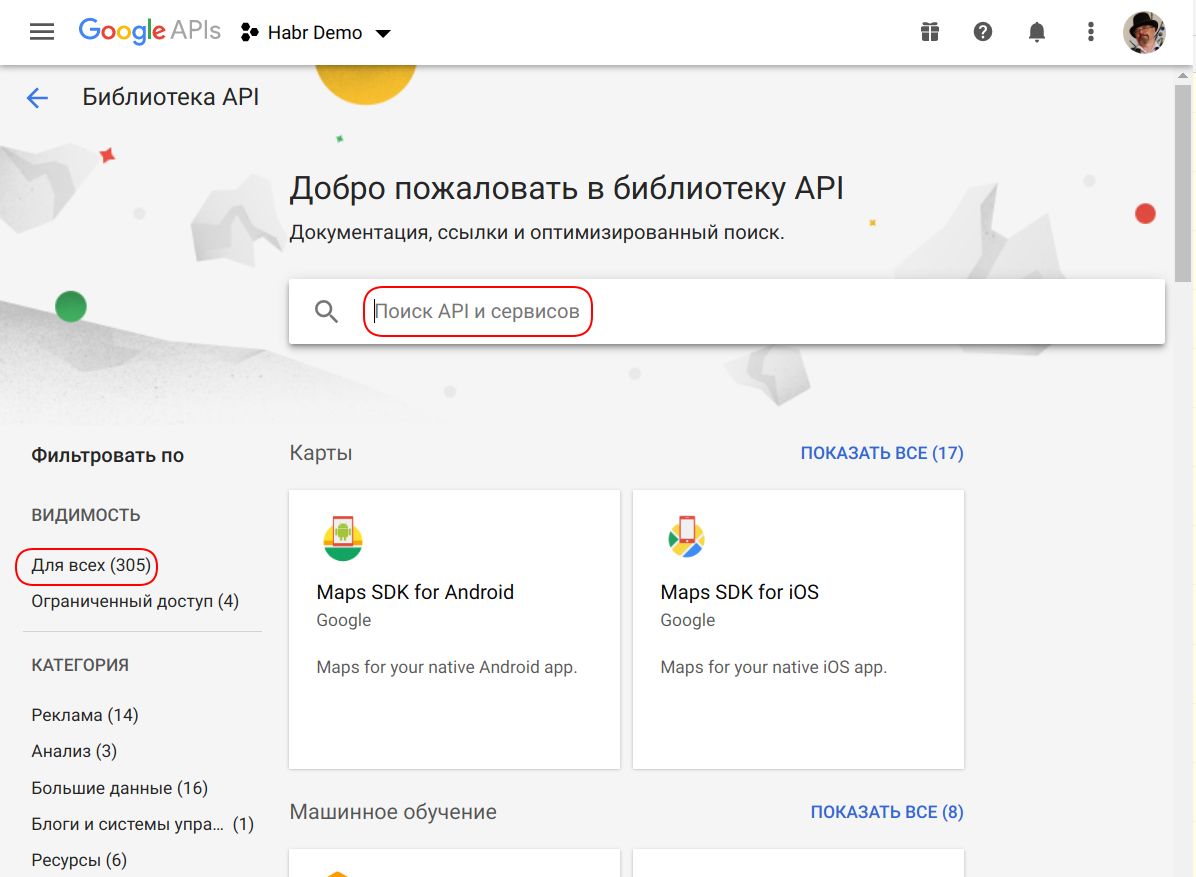
"calend" , :

"Google Calendar API" :
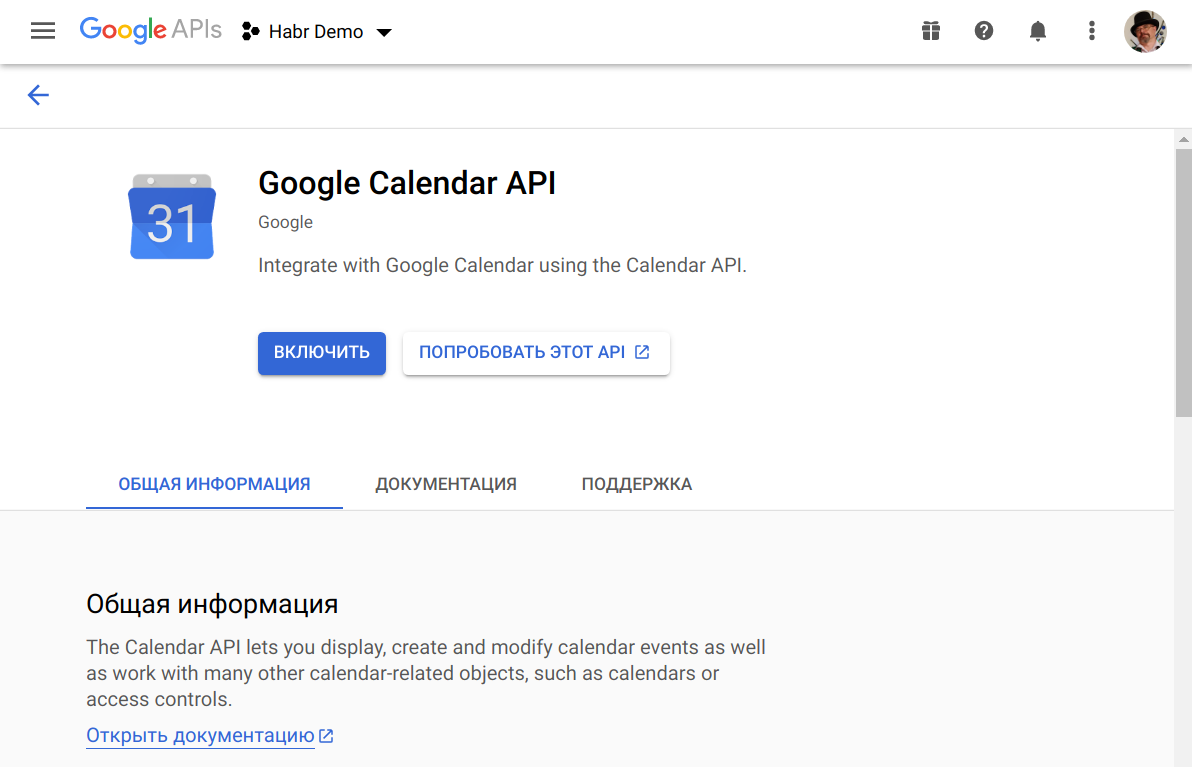
dashboard API (https://console.developers.google.com/apis/api/calendar-json.googleapis.com/overview?project=habr-demo-293107&supportedpurview=project), , API :

" " , , API:

, :

Google JSON, Google Calendar API:

"". , Google' , API, :

, " / ", . "" JSON- "Downloads" :

JSON- ( ):
{
  "type": "service_account",
  "project_id": "habr-demo-293107",
  "private_key_id": "4ec17ea5f8b606e0535a0623a110111123fd3c33",
  "private_key": "-----BEGIN PRIVATE KEY-----\n...\n-----END PRIVATE KEY-----\n",
  "client_email": "nodejs-app@habr-demo-293107.iam.gserviceaccount.com",
  "client_id": "102219376121816220804",
  "auth_uri": "https://accounts.google.com/o/oauth2/auth",
  "token_uri": "https://oauth2.googleapis.com/token",
  "auth_provider_x509_cert_url": "https://www.googleapis.com/oauth2/v1/certs",
  "client_x509_cert_url": "https://www.googleapis.com/robot/v1/metadata/x509/nodejs-app%40habr-demo-293107.iam.gserviceaccount.com"
}
API "Habr Demo" email' "nodejs-app@habr-demo-293107.iam.gserviceaccount.com":

API nodejs- Google googleapis . OAuth2- , scope' . :
const fs = require('fs');
const {google} = require('googleapis');

const CALENDAR_ID = 'c093hr4fqjuj5k9e6uvvac73ac@group.calendar.google.com';
const KEYFILE = 'Habr Demo-4ec17ea5f8b6.json'; // path to JSON with private key been downloaded from Google
const SCOPE_CALENDAR = 'https://www.googleapis.com/auth/calendar'; // authorization scopes
const SCOPE_EVENTS = 'https://www.googleapis.com/auth/calendar.events';

(async function run() {
    // INNER FUNCTIONS
    async function readPrivateKey() {
        const content = fs.readFileSync(KEYFILE);
        return JSON.parse(content.toString());
    }

    async function authenticate(key) {
        const jwtClient = new google.auth.JWT(
            key.client_email,
            null,
            key.private_key,
            [SCOPE_CALENDAR, SCOPE_EVENTS]
        );
        await jwtClient.authorize();
        return jwtClient;
    }

    async function createEvent(auth) {
        const event = {
            'summary': 'Habr Post Demo',
            'description': '    nodejs-  Google Calendar API.',
            'start': {
                'dateTime': '2020-10-20T16:00:00+02:00',
                'timeZone': 'Europe/Riga',
            },
            'end': {
                'dateTime': '2020-10-20T18:00:00+02:00',
                'timeZone': 'Europe/Riga',
            }
        };

        let calendar = google.calendar('v3');
        await calendar.events.insert({
            auth: auth,
            calendarId: CALENDAR_ID,
            resource: event,
        });
    }

    // MAIN
    try {
        const key = await readPrivateKey();
        const auth = await authenticate(key);
        await createEvent(auth);
    } catch (e) {
        console.log('Error: ' + e);
    }
})();
Calendar API:
{
  ...
  "status": 404,
  "statusText": "Not Found",
  ...
}
- .
, , " ", " " email- , :

:

" ", "You need to have writer access to this calendar." API:

:

16:00:
'start': {
    'dateTime': '2020-10-20T16:00:00+02:00',
    'timeZone': 'Europe/Riga',
}
a 17:00, IT:
لا يوجد سوى نوعين من الصعوبات النموذجية في البرمجة: إبطال ذاكرة التخزين المؤقت ، وأسماء الكيانات وخطأ لكل وحدة
ملخص
هذا كل شيء ، اكتمل البحث. سعيد ، كما يقولون ، الترميز.